The setup move most people skip: Voice Before Volume
At a corner table on Davie Street, a business owner stares at a blinking cursor as rain drifts in and out; by Friday they promise next week will be different—and it never is.
What actually drains your week is not the first outreach but the missed follow-up: the bump you meant to send, the thread you forgot to pause, the reply that fell between meetings.
There is a better way than mass blasts or spray-and-pray sequences: a system that keeps your tone, advances the conversation, and watches the inbox so you can spend your best hours where momentum is real.
Quick note: Fewer tabs, fewer drafts, fewer “just checking in” messages will free more time than another automation feature ever will.
Why nailing your tone saves hours
Nail the voice first and sequences stop sounding like templates; replies rise because messages finally read like they were written for the recipient.
The practical step is to get the voice right before you scale: decide formality, subject-line style, and signature tone until the drafts genuinely sound like you.
How to set a single talking point
Start every segment with one clear focus and avoid a “bullet salad” that confuses readers and factories poor follow-ups.
Upload a list, give the system a single talking point, and preview a handful of drafts aloud; if you would not send those drafts, keep adjusting tone until you would.
Sequencing that feels like a person, not a program
Cadence is local: founders in Gastown and GMs on Commercial Drive read email differently, so borrow rules, not calendars.
Design sequences that buy you mental space and continuity: each touch should advance the story rather than reintroduce yourself.
Design an arc that advances the story
Lead with outcomes—why now, what’s different, and what you will do next—and make every touch a logical step toward a clear next action.
Touch two should add value, touch three should ask permission for timing; when you respect bandwidth, replies arrive with less defensiveness and more momentum.
Reply tip: Acknowledge their last message in your next touch—referencing the prior thread increases trust and reply rates.
Pause when a human replies
Let the system manage mechanics so you can set intent: the automation should pause on reply and preserve thread context so you never reintroduce a conversation.
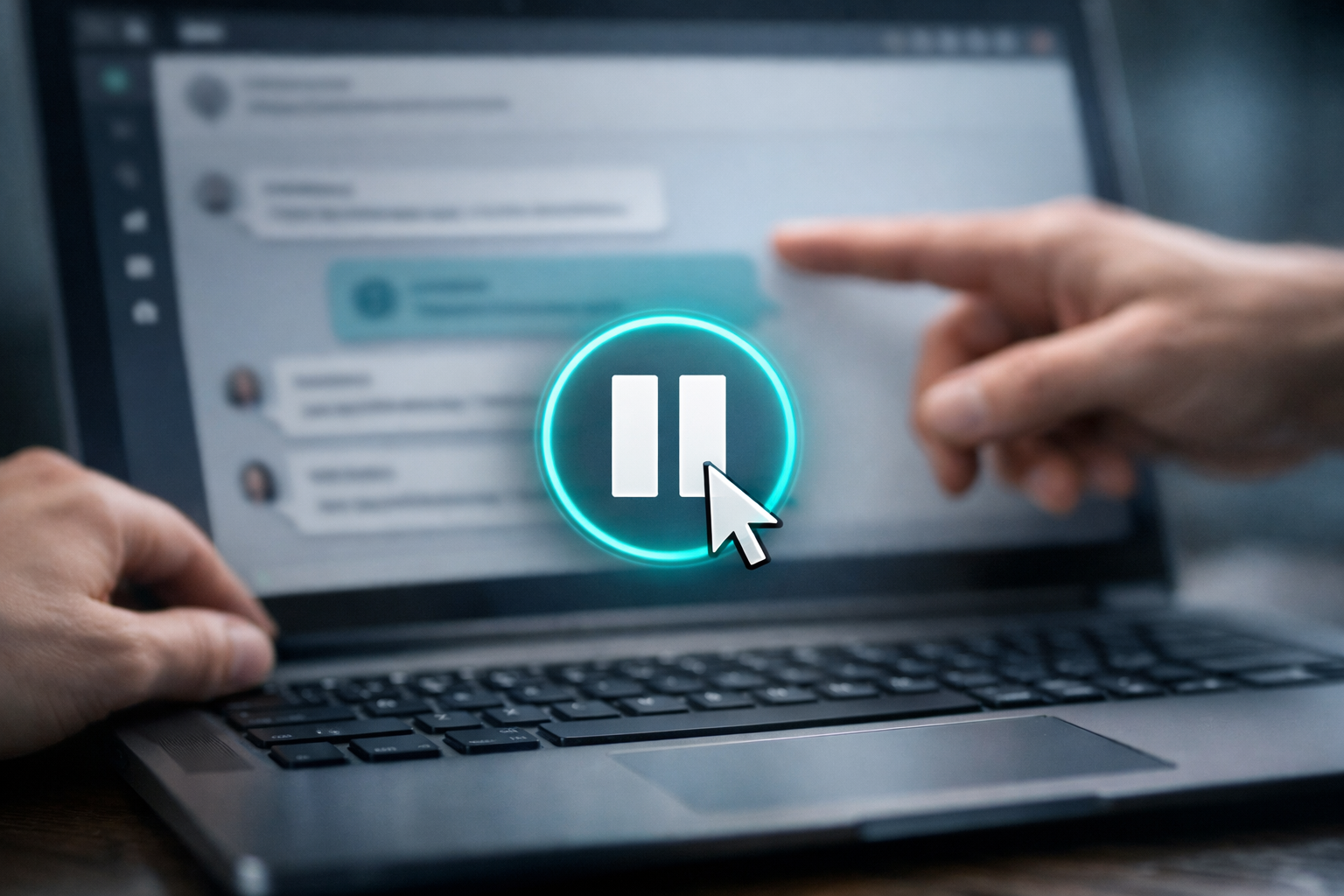
That guardrail prevents duplicate outreach when multiple teammates work the same account and keeps follow-ups feeling human.
Where the real time savings hide: Your Inbox
Follow-up fails when the first reply hits and you mean to answer quickly but a meeting runs long; that is where automation earns its keep.
With the right tool you get in-your-voice auto-acknowledgements and prioritized threads, so you still approve important replies but stop losing the easy ones to drift.
Auto-acknowledge without losing tone
Quick confirmations—”Got it, back to you this afternoon”—keep intent signals alive and buy you time to craft a proper response.
Use in-your-voice quick replies for speed and reserve handcrafted follow-ups for moments that demand nuance.
- Auto-Acknowledge fast so interest does not leak away.
- Answer the actual question in-thread; do not restart the pitch.
- Offer one clear next step; do not stack asks.
Do this consistently and your week will feel quieter by Thursday because conversation momentum replaces frantic chasing.
Proving it works (without living in a spreadsheet)
Measurement can stall action; you do not need a wall of charts—pick honest signals you can feel and check them habitually.
Track outcomes like fewer “just checking in” drafts, more replies that advance the deal, and a calendar of real conversations instead of status updates.
Choose honest signals, not charts
Run simple A/B tests on tone and ask rather than gimmicks; focus on signals that map directly to conversations and meetings.
Expect a positive return when automation reclaims time you can reinvest in demos or top accounts.
Design a simple experiment
Set a baseline, run a small segment, and measure what you can deploy next week; if automation frees enough hours for more demos in a week, that is the return you will feel.
Use published benchmarks like Net Savings and Earnings as inspiration, but design your own local test and iterate quickly.
What breaks—and how to fix it fast
Good systems hiccup: deliverability wobbles, voice drifts, or teammates leap at the same account—these are edge cases, not reasons to stop automating.
When voice drifts, refresh openers with a concrete local detail; when automation runs hot, set a daily habit to quality-check outputs.
- Shorten subject lines; keep them honest and specific.
- Trim signature images; heavy footers look promotional.
- Reply in-thread when you can; new threads can trip filters.
- Remove “check-in” clichés; say what changed since last time.
- Sanity-check your send domain and authentication records.
The shift you’ll actually feel
When this clicks, mornings open with a short list of real conversations instead of a wall of guilt, and your team trusts the system because it sounds like you.
Automation becomes boring in the best possible way: work gets done, attention comes back, and the small tasks no longer steal the week.
If you want to experience that for your pipeline, call 6046536039 or visit DBC Technologies Ltd. to explore MailThreadAI and reclaim the hours that actually move revenue.